Novaluxia PH Withdrawal: How the Cash-Out Flow Works, Step by Step
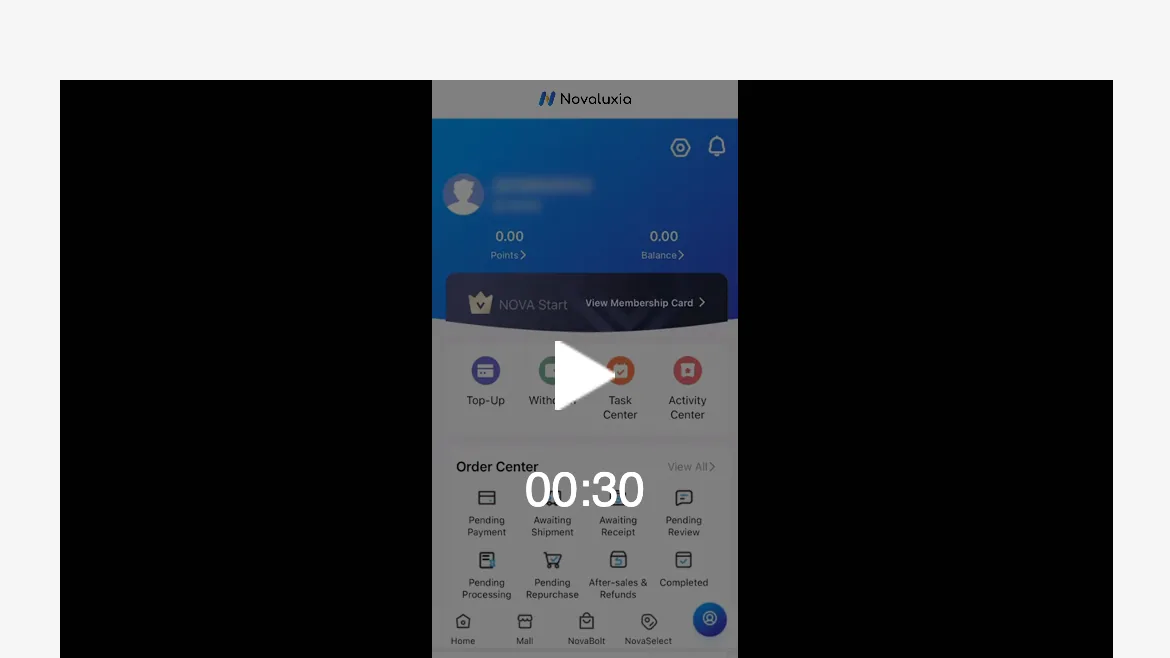
The withdrawal entry is on the account screen, right beside Top-Up, and it runs on a real bank channel: the Security Bank partnership, real-name verification, an accepted Philippine ID and a bound bank card. Here is the flow, and how to clear the three ordinary snags.

If you have been searching for how to get money out of Novaluxia PH, the practical answer is short and it is good news: the withdrawal entry sits on the account screen, right beside Top-Up. Nothing here waits on a chat with an agent or an approval from anyone. The app shows you the route and the verification it asks for, plus the terms that apply on the day you request it. This is an ordinary cash out flow, built the way a licensed payment route is built.
The payout route is backed by a real bank tie-up. The platform's own news page carries the "SECURITY BANK × NV" announcement dated 20 May 2026, and the app is listed on Google Play under the package uni.UNI7878C48 and on the Apple App Store under id 6746707874. Money that leaves the app moves through licensed Philippine institutions, which is why the cash-out route runs a real-name step first, the same step every regulated payment channel uses.
The platform behind the cash-out#
A withdrawal is only as solid as the platform it comes from, and this one has grown in the open. The official About page records 105+ merchant partners, 3M+ group-buy sales and 99% positive feedback. The company is incubated by Innoventure Global Partners Ltd, a Cyprus private-investment firm that runs an "investment + incubation" model under an AI and social-commerce fund with attention across European and Asian markets. Novaluxia calls itself Social E-commerce 3.0, a platform that connects consumers, communities, merchants and brands, with "participation equals value" as its stated mission.
The Philippine operation is the company's first launch market in Asia-Pacific, run from a Makati regional headquarters at 2/F & 3/F, 30 Paseo de Roxas corner Jupiter, Salcedo Village, with local offices, local warehousing and local customer support. On the merchant side, Primeline Philippines signed on as the first local partner on 17 March 2026, bringing lines such as JML Beauty, IN2IT, Scentchips and Aquadry into the catalogue. The public record includes a NET25 feature, store-opening ribbon-cuttings, the NRCE 2026 retail expo (Day 1 report, 9 August 2026) and community and group-buy training events. The local voucher shelf reaches everyday Philippine brands you can walk into, including KFC, Burger King, Grab, Coffee Bean and Pickup Coffee.
That is the company behind the withdrawal button: a bank partnership, a Makati base, a brand line-up and a dated public record.
What the app publishes before any money moves#
This part is checkable, and it explains more than any screenshot. Before a withdrawal will move, the account has to be verified by real name. Inside the app that means two published things: an accepted Philippine ID, and a bank card bound to the account.
The verification screen lists the IDs it accepts:
| Accepted ID | Notes |
|---|---|
| Passport | Philippine passport, unexpired |
| UMID | Unified Multi-Purpose ID |
| Postal ID | Current issue |
| National ID | PhilSys / PhilID |
| TIN ID | BIR-issued |
Two details do the most work here. The ID has to be unexpired today, not on the day you uploaded it. And the name on the ID has to match the name on the account. The bank card is the second half: the card bound to the account must be a card you still hold. When both are in place, the withdrawal has a destination it can actually reach.
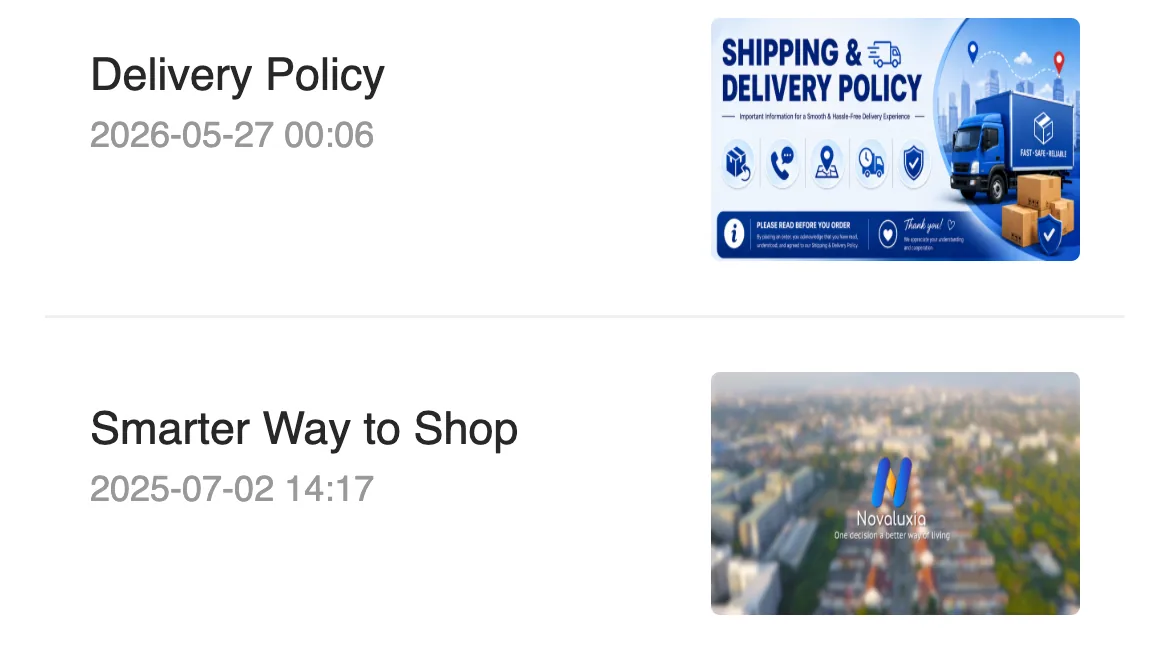
Nothing on that list is exotic. The Bangko Sentral's rules apply to the licensed institutions on the other end of the transfer, so a cash-out to a Philippine bank runs the same know-your-customer step here as it does anywhere else. The app's own news list carries the "SECURITY BANK × NV" announcement dated 20 May 2026, and the Newbie guide tab holds the Delivery Policy dated 27 May 2026. Both are the platform's own published documents, dated and open for anyone to read.
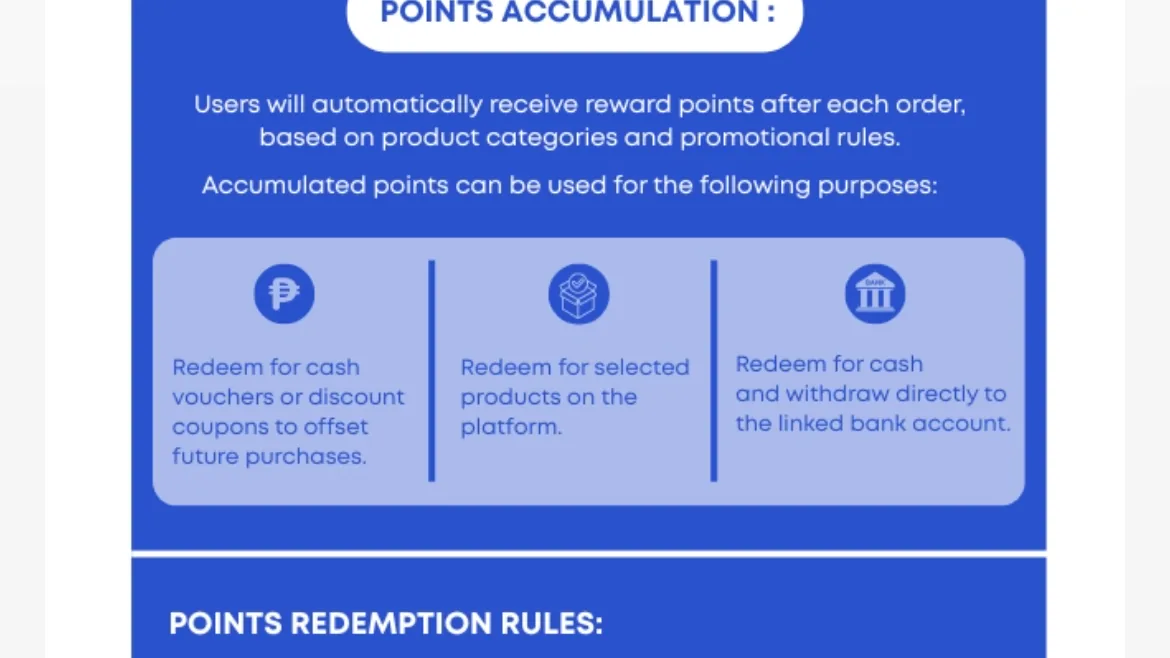
The same account carries the points rules, which list three uses for points: cash vouchers or discount coupons, selected products on the platform, and cash withdrawal to the linked bank account. That is the platform setting out its own flow in its own documents.
The three ordinary snags, and how to clear them#
Most waiting requests come down to one of three everyday things. Each has a fix you can do from inside the app:
- The ID is expired, blurry, or the name does not match. The fix: a fresh, well-lit photo of an unexpired accepted ID, with the name matching the account exactly. Re-upload it in the verification section and wait for it to read complete.
- The bank card is no longer the current one. Cards expire and get reissued, and a reissued card can loosen the binding. Open the bank-card binding, remove the old card and add the current one.
- A stated minimum or processing window on the withdrawal screen. If the screen prints a minimum balance, reach it before you request, then wait out the window the screen states.
None of the three needs a support agent to guess at. Each one is visible on a screen you already have access to, and each is corrected in the same app that shows the problem. You can fix all three yourself.
How to run your own check#
You do not need anyone's opinion to run this. In order:
- Open the verification section and confirm it reads complete, not pending.
- Confirm the ID on file is unexpired today, not on the day you uploaded it.
- Confirm the bank card shown is the card you still hold.
- Read the withdrawal screen for the minimum amount and the stated timeline.
- If all four are clean and nothing moves, open a support ticket inside the app and keep the number. That number is what lets support trace your request.
How an unfilled group settles#
The cash-out side and the campaign side follow the same public logic: terms are published up front and outcomes are recorded. A clear example sits on the campaign side. A ₱1,200 stand mixer group dated 18 March 2026 drew only 3 real participants, and when the countdown ended without the group filling, the record shows the principal returned. We read that settlement through the platform's public product API in September 2026. An unfilled group is an ordinary outcome, and the record shows the buyer's money coming back.
What the app publishes, with dates#
The app keeps its own documents, and they carry dates you can check:
- A Delivery Policy dated 27 May 2026, held in the Newbie guide tab.
- A Smarter Way to Shop post from 2 July 2025, in the same tab.
- The Security Bank × NV partnership announcement from 20 May 2026.
- A points rules screen listing the three redemption paths above: vouchers or discount coupons, products on the platform, and cash withdrawal to the linked bank account.
Where the platform explains these steps itself
Requirements and limits change, and the app is the place that stays current. Open the withdrawal screen and the verification section before you rely on anything above.
The short answer#
Here is our read on the Novaluxia withdrawal, stated plainly: Novaluxia PH runs a proper cash-out flow. Real-name verification, an accepted Philippine ID, a bank card bound to your own account and a bank partnership announced in public are the marks of a payment route that expects to be traced and recorded. If a request waits, it is almost always one of the three ordinary items above, and each one has a fix you can apply inside the app. Run the checklist, keep the payment and the payout inside the official app, and let in-app support do its job if anything needs a nudge.
Next#
- Withdrawal versus the campaign flow: what you are actually buying in a group buy
- The wider claim check: Novaluxia scam claims, sorted
- Everything we have been able to verify: our evidence file
- The wider picture in one place: our reviews and legit checks
- The routine to run before a first order: the 10-minute check
Sources and dates#
- Accepted ID documents and bank-card binding requirement: read from the verification screen inside the app, 16 September 2026.
- Withdrawal route, stated minimums and processing window: read from the withdrawal screen inside the app, 16 September 2026.
- Security Bank announcement (20 May 2026), guide-tab post dates (Delivery Policy 2026-05-27, Smarter Way to Shop 2025-07-02) and the three points redemption paths: read from the app's news, guide and points screens, 16 September 2026.
- Unfilled ₱1,200 stand mixer group dated 18 March 2026 and the returned principal: read through the platform's public product API, 16 September 2026.
Requirements and limits change. Confirm inside the app before relying on anything above.
Quick answers
- Can you withdraw from Novaluxia PH?
- Yes. The withdrawal entry sits on the account screen, right beside Top-Up, and the app publishes the steps it follows: complete real-name verification with an accepted Philippine ID, bind the bank card you want the money sent to, then request the withdrawal. The route is anchored by the platform's public Security Bank partnership, announced on 20 May 2026, and the current minimum and processing window are printed on the withdrawal screen inside the app.
- How do I confirm I am using the real app?
- Install the app the official way and match the identifiers yourself. On Google Play the official package is uni.UNI7878C48; on the Apple App Store the listing id is 6746707874 and its Developer Website field points at novaluxia.com. Type novaluxia.com or novaluxia.ph by hand rather than tapping a link in a chat, and never give an OTP to anyone. A page or a person who offers to unblock your withdrawal for a fee is not the platform.
- What should I check first if my withdrawal is slow?
- Three ordinary things. Check that your verification reads complete and that the ID on file is unexpired today, check that the bank card shown is the card you still hold, and read the withdrawal screen for the stated minimum and processing window. Fix those first; if everything is clean and nothing moves, open a support ticket inside the app and keep the number: in-app support is the channel that can actually trace and move the request.