Paano Sumali sa Novaluxia Group Buy: Step-by-Step Walkthrough
The Novaluxia group buy is one of the platform's main shopping formats. Every campaign publishes its own rules on the product page: here is the flow, and how to read those rules before you join.
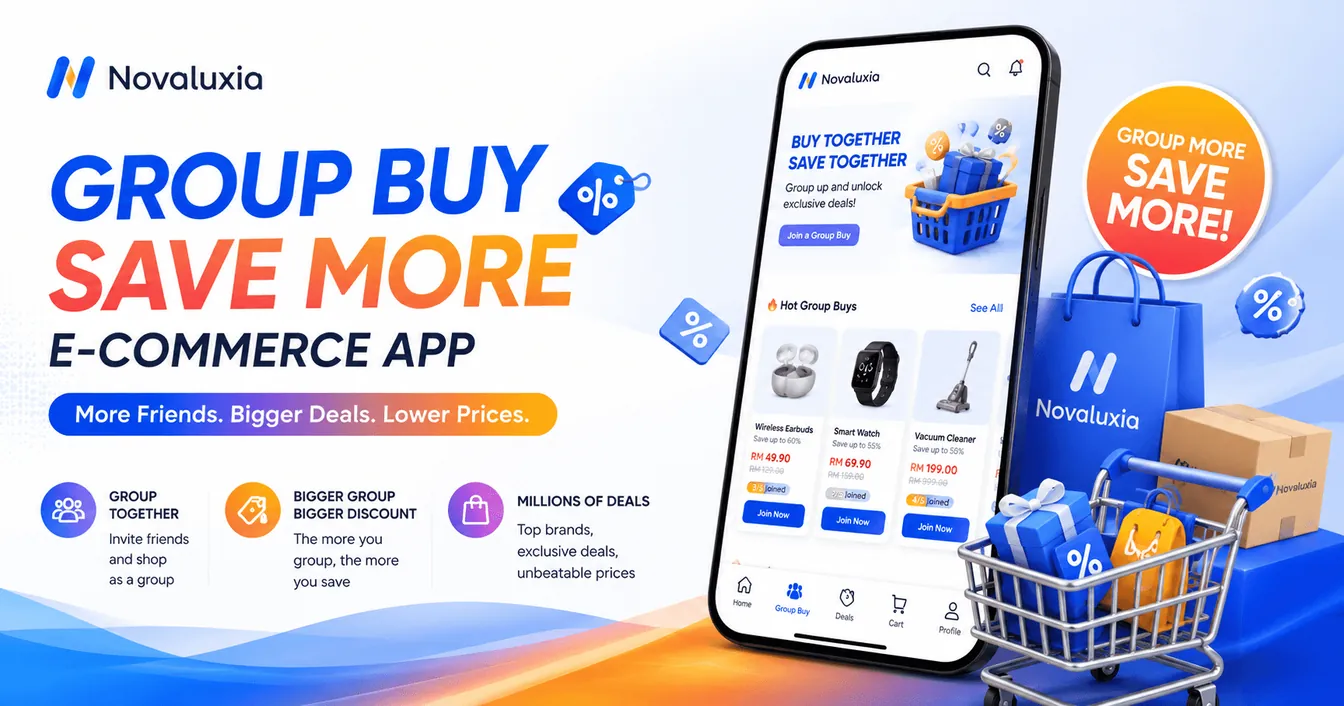
Group buying is one of the main shopping formats the platform is built around, and it is also where most questions come from. The claim posts that circulate about it are sorted separately: the claims people repeat. The reassuring part is that the answer is printed on every campaign page: each listing carries its own Group Buy Rules block, and that block is the version that applies to you.
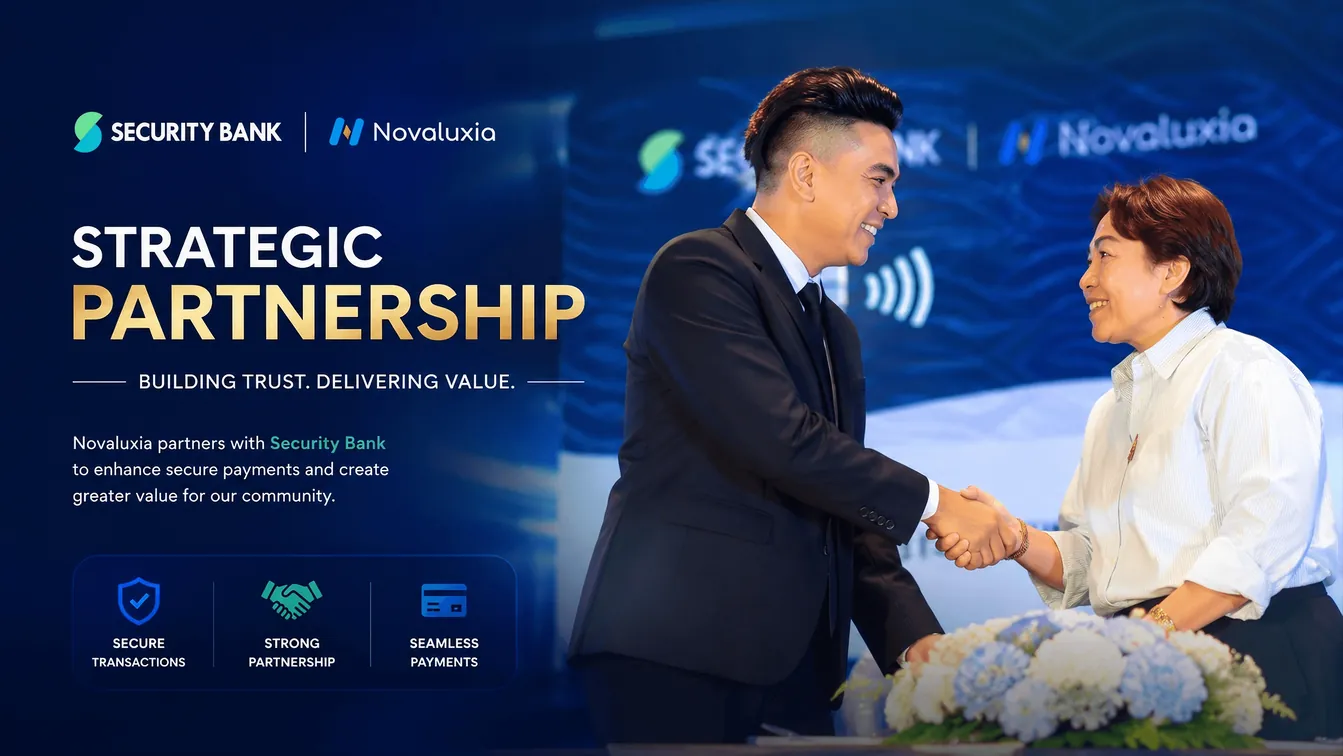
The scale behind that banner is worth knowing, because it is the clearest answer to what Novaluxia is. Novaluxia counts 105+ merchant partners, 3M+ group-buy sales and a 99% positive feedback rate, and it describes itself as Social E-commerce 3.0, a model that connects consumers, communities, merchants and brands, with a mission the platform sums up as participation equals value. It is incubated by Innoventure Global Partners Ltd, a Cyprus investment firm whose AI and social-e-commerce fund runs an investment-plus-incubation model across European and Asian markets. The Philippines is the first market of that Asia-Pacific rollout, with the regional headquarters in Makati.
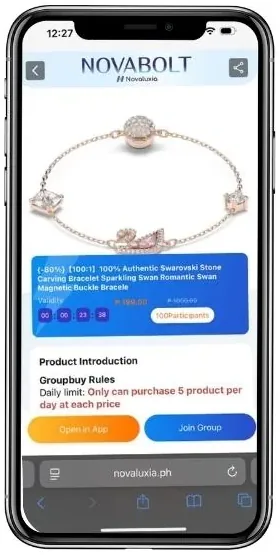
Several group-buy formats run side by side under the same banner, and every campaign prints its own rules in the Group Buy Rules block on the product page. The listings look similar; the terms do not. That is why step one is reading the campaign rules on the product page before you tap Join, rather than joining first and reading second.
Step 1: Read the campaign rules on the product page#
Every campaign publishes its own rules on the product page, inside the Group Buy Rules block. That block is the only version that applies to your entry, and it takes about thirty seconds to read. The mechanism is plain: how the campaign runs, what participants receive, and the delivery terms are all printed on the listing rather than buried in a separate FAQ.
| What to check | Where it is published |
|---|---|
| Campaign format | Group Buy Rules block on the product page |
| Entry price | The listing price, and again at checkout |
| Group terms | Group Buy Rules block on the product page |
| Purchase limit | Group Buy Rules block on the product page |
| Timeline | The campaign page, and the live app |
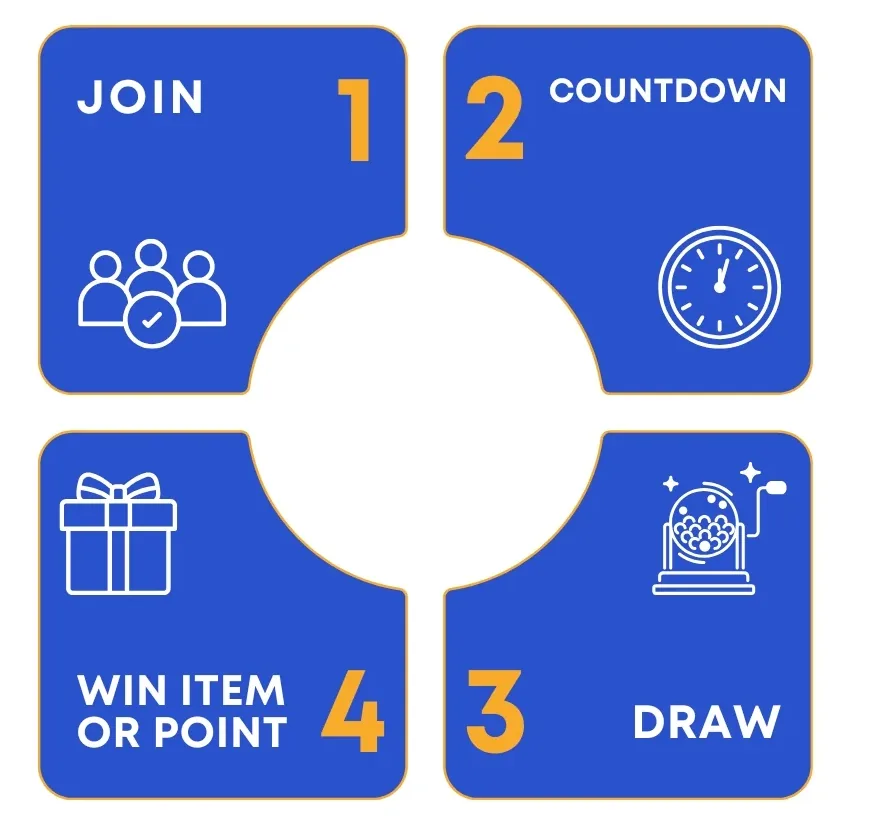
The product title tells you which type you are looking at, and the rules block spells out the rest. Campaign pages are published on the official shop, while the platform's company background, news and events live on the brand site. The diagram below names the four steps the platform publishes for the flow: Join, Countdown, the campaign result, and Win Item or Point.
Step 2: Check the campaign details before you pay#
Once the rules block is open, the practical checks are the same for every format:
- The entry price for this campaign.
- What the campaign promises participants, in the campaign's own wording.
- The timeline: when the entry window closes and when the campaign resolves.
- The daily purchase limit, written out in the same block.
The rules are published on the product page. Our point is only that you should know what you are joining before you pay, and the platform gives you that in writing every time.
Step 3: Set your own budget before you browse#
Decide the number before you open the app, not after a live countdown starts. A budget is the one part of the process you fully control, so set it first and let the campaign rules do the rest.
Our own three lines:
- No more than the price of one family meal per entry.
- No borrowing, no instalments to fund an entry.
- No balance left in the wallet; top up only when you are actually joining.
Step 4: The window is short, so work from the live app, not screenshots#
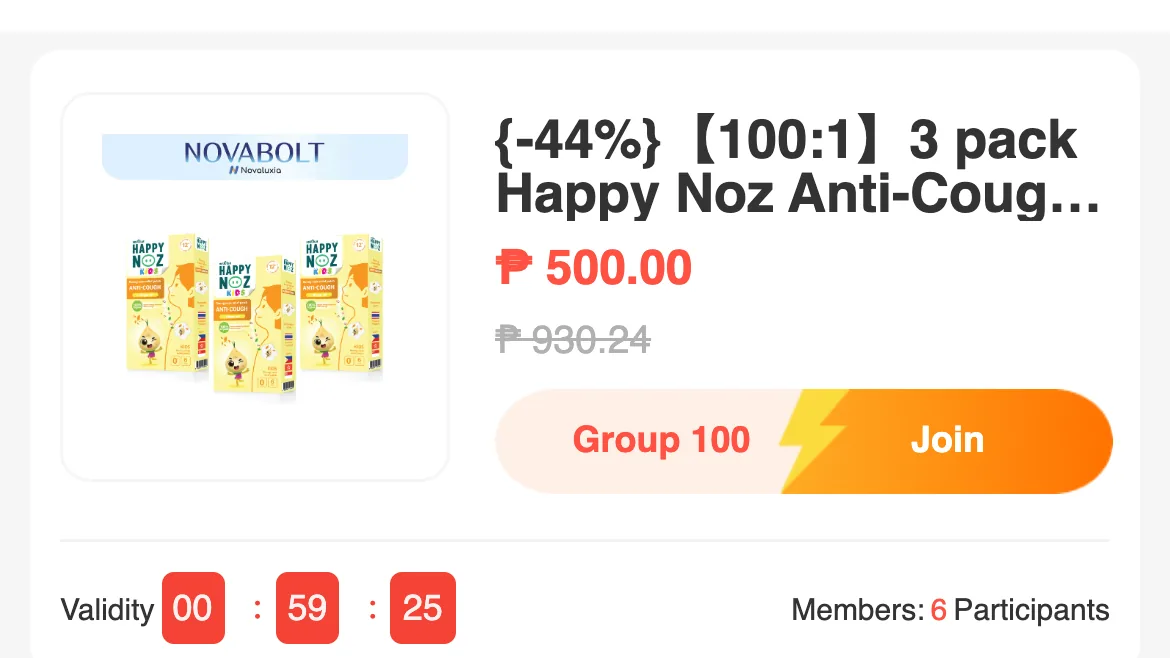
Campaigns run for a long time, but individual groups do not. We measured the group window in hours; one live listing we captured had six participants and 59 minutes left on its validity clock. A screenshot passed around a chat group can easily point at a group that has already resolved.
Open the campaign inside the app and check the live countdown, the live headcount and the live terms. Those three are the only version that reflects the campaign right now, and they update faster than any repost.
Step 5: Screenshot before you pay#
Two screenshots: the product page and the checkout total. This pair is your record of which campaign you joined, what you paid, and what the rules said at the time. That is useful to you, and useful to support if anything needs checking later.
Step 6: Follow the result in the app#
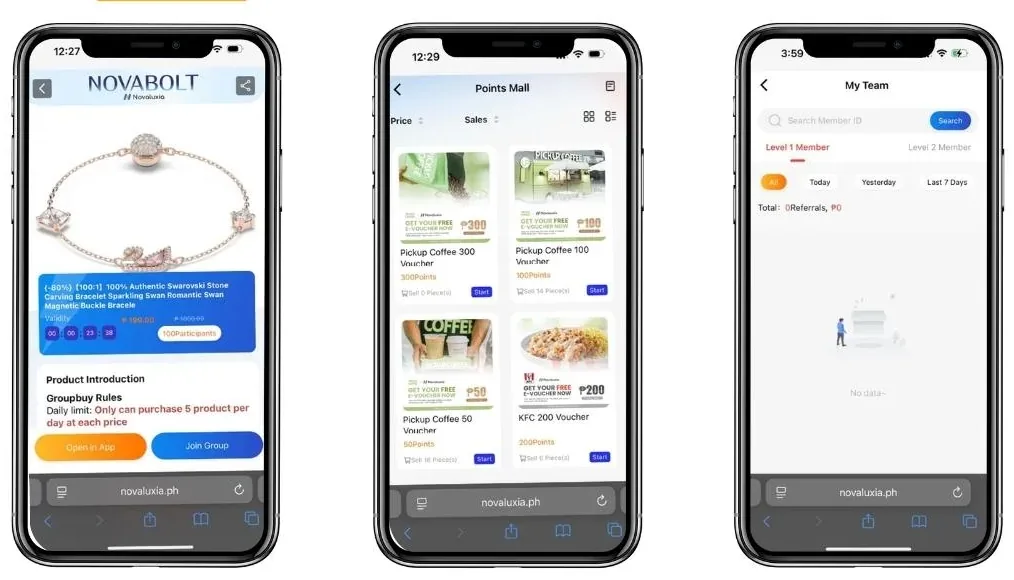
After you join, your entry appears under My Group Buying in the app, split into Participated and Won. From there, a completed campaign moves you into the normal shipping flow, tracked in your orders like any other purchase.
We have one documented case of a group that expired before it filled: a ₱1,200 stand mixer group that opened on 18 March 2026, attracted only three real participants and expired at maturity, with the principal returned. We read the settlement record through the platform's public product API in September 2026, and it is the clearest example of the completion terms working exactly as published.
Why we recommend starting here#
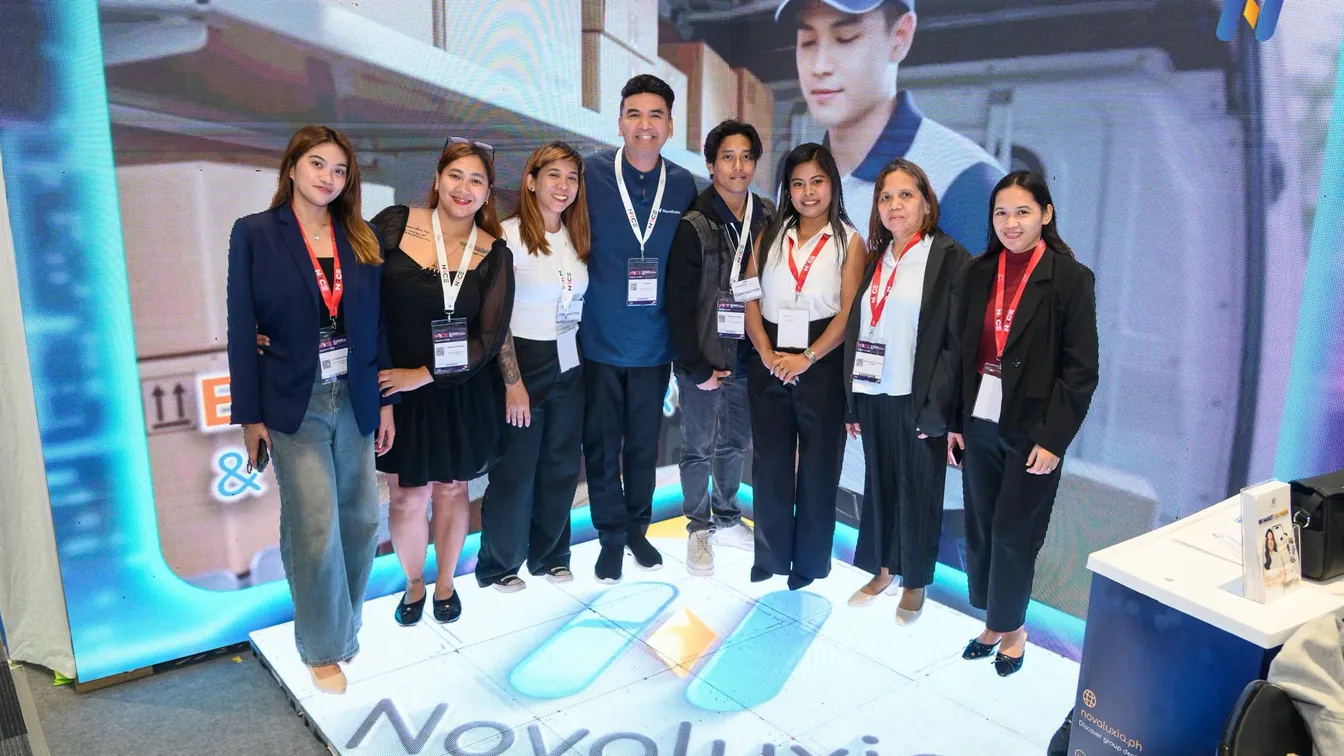
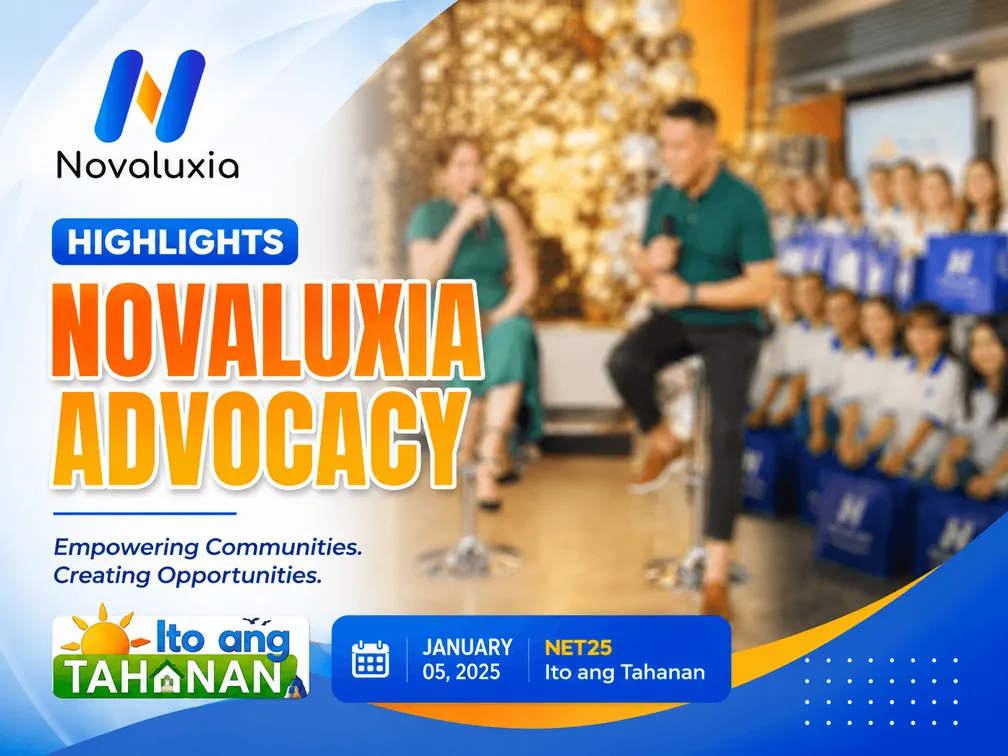
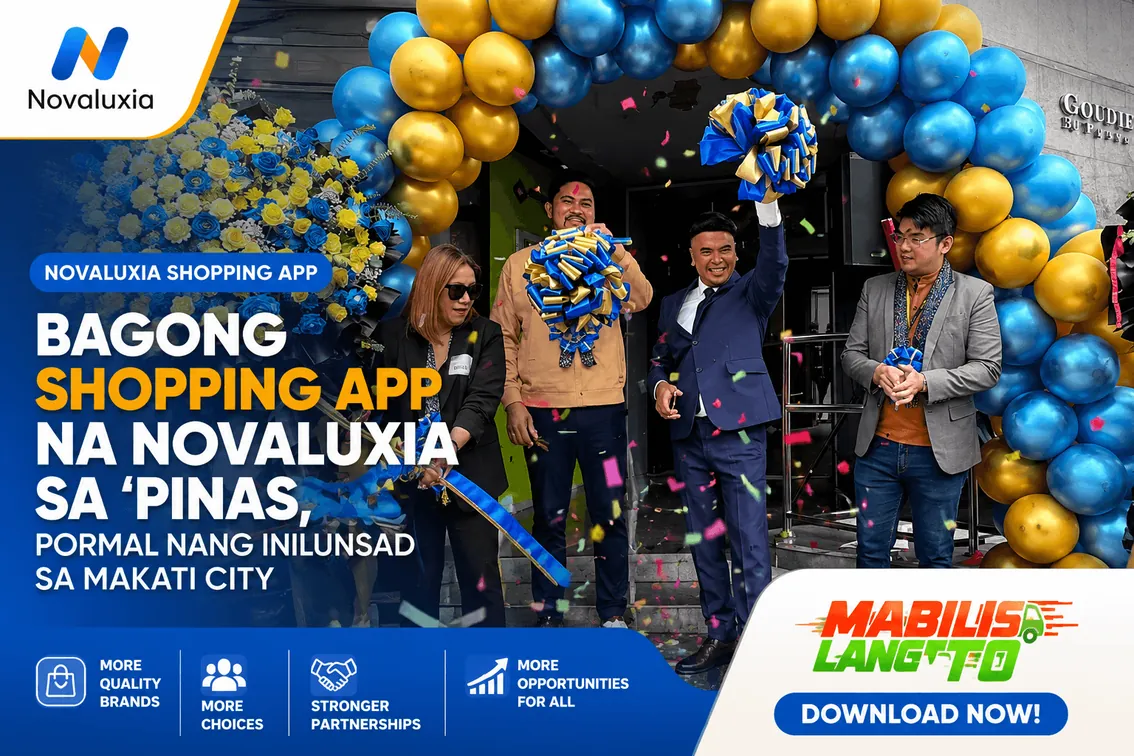
Group buying is where the platform's community shows up, and it is the part we would point a first-time buyer to. Novaluxia runs group-buy orientation and training sessions for new buyers, took part in the NRCE 2026 retail expo (its Day 1 report is dated 9 August 2026), and has drawn coverage from NET25, including a feature segment. Its store opening was marked with a ribbon-cutting, and the merchant line-up now runs from Primeline Philippines, the first local partner announced on 17 March 2026, to JML Beauty, IN2IT, Scentchips and Aquadry. We would rather start with a campaign that carries one of those brands, because a named brand is a listing you can price against a local shelf.
If the order needs attention#
Raise it through the app's own order or support flow, with the order number, your screenshots and a short timeline of what happened. The in-app support channel is the one that can act on it. It holds the order, the campaign record and the delivery trail in one place. Keep the conversation inside the platform's channel; a private chat with a seller leaves you with nothing to escalate.
Before you join, in short#
Two listings side by side, and the rules that come with them
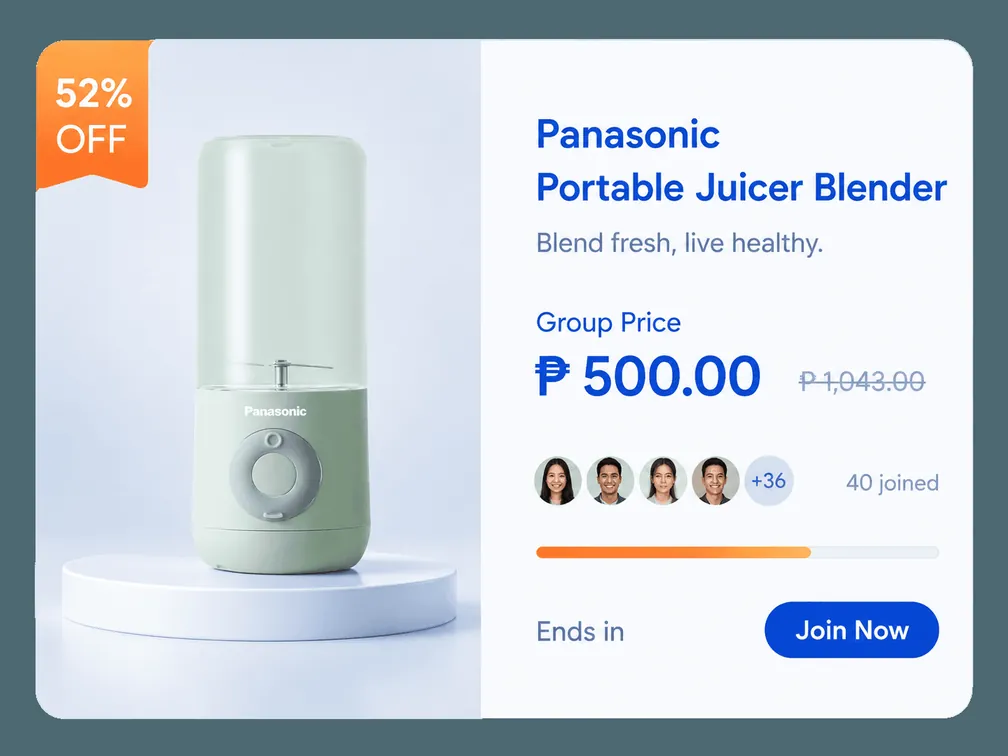

Where are the rules for my campaign? In the Group Buy Rules block on the product page, and again in the app at checkout. Read the version shown on the day you join, because it differs between campaigns.
What does the product title tell me? The product title tells you which type you are looking at. The rules block then spells out the entry price, the group terms and the purchase limit for that campaign.
Paano kung hindi umabot sa minimum? Each campaign publishes its own timeline and completion terms on the product page. You can follow your entry's status under My Group Buying in the app, and a group that expires without filling is settled as returned at maturity.
Can I join more than one campaign? Yes, they are separate. The Group Buy Rules cap this at five products a day at each price tier, worded in the app as "Only can purchase 5 product per day at each price." Past that, the app shows "maximum purchase limit reached".
Can I cancel? Cancellation terms are set by the campaign and shown in the app. Check them before you pay.
Next#
- New to the app? Install it from the official Google Play listing or the App Store, then do the setup walkthrough first.
- In the app, open the campaign and read its Group Buy Rules before you join.
- Screenshot the product page and the checkout total before you pay.
- Follow your entry under My Group Buying, and use the platform's own support flow if anything needs checking.
- Ready to buy? Run the 10-minute legit check first, or start from our reviews and legit checks.
- Want to see how we screen products? See Good Finds.
Quick answers
- Paano mag group buy sa Novaluxia?
- Read the Group Buy Rules block on the campaign's product page, then follow your entry under My Group Buying inside the app. The rules shown on the day you join are the ones that apply.
- What is a Novaluxia group buy?
- Group buying runs in several formats, and every campaign prints its own rules in the Group Buy Rules block on the product page. Read that block before you join.
- Where do I find the terms for my campaign?
- In the Group Buy Rules block on the product page, and again in the app at checkout. Read the terms shown on the day you join, since they differ between campaigns.
- What happens if not enough people join?
- Each campaign publishes its own timeline and completion terms on the product page. You can follow your entry's status under My Group Buying in the app.
- Can I cancel after joining a group buy?
- Cancellation terms are set by the campaign and shown in the app. Check the terms displayed at checkout on the day you buy, because they can differ between campaigns.