How to Download and Set Up the Novaluxia App Safely (PH, 2026)
Install from the right store, register with details you control, and fix your delivery address before your first order. Ten minutes now means your account, address and settings are ready before you browse.
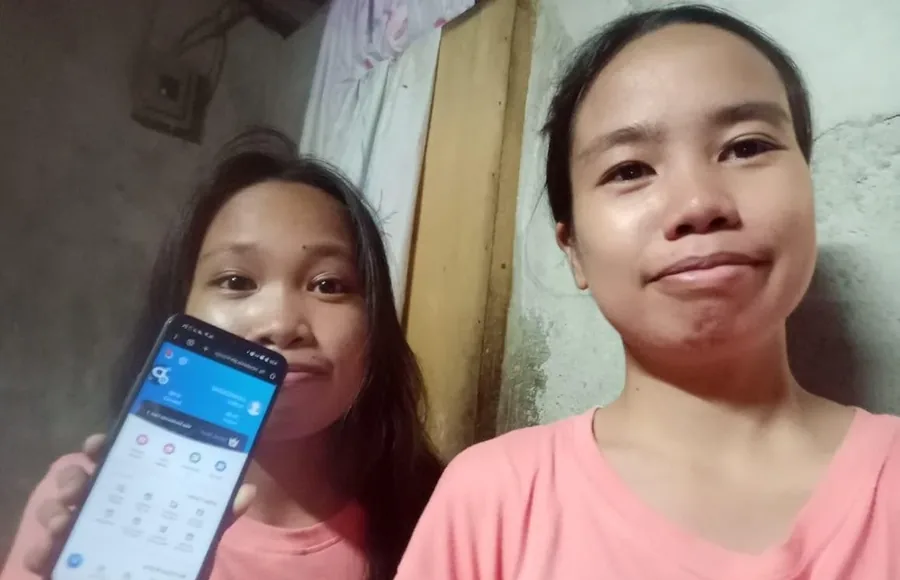
Setting up the Novaluxia app is a ten-minute job. Done once, properly, it means your order details and delivery address are saved before you browse, so there is nothing to sort out later.
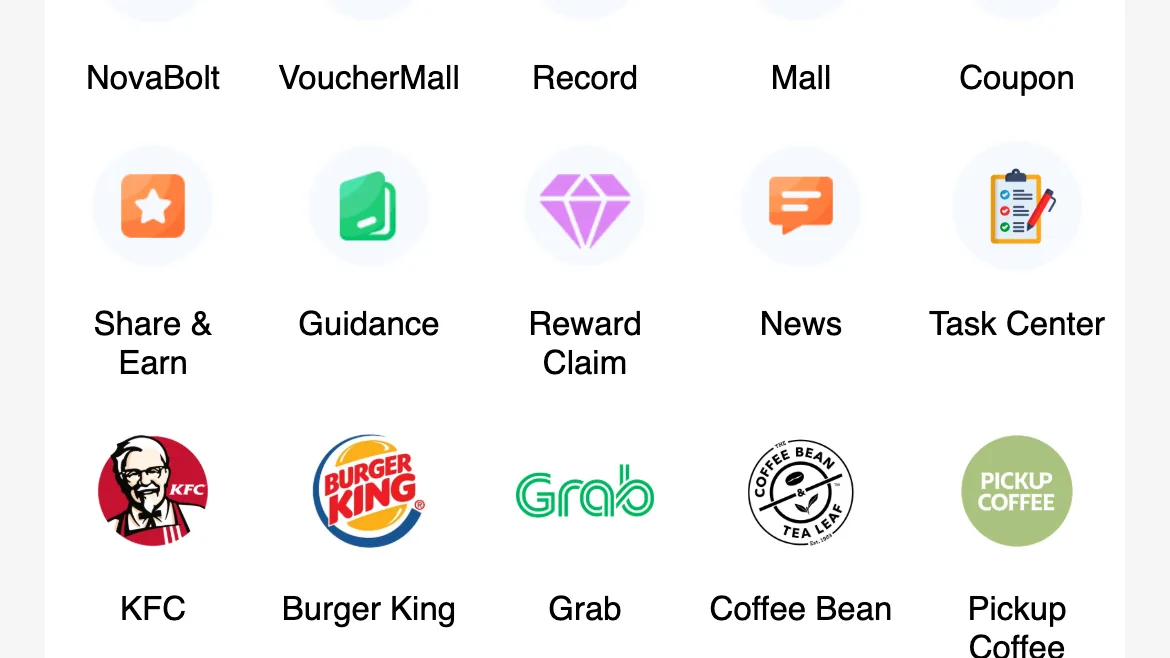
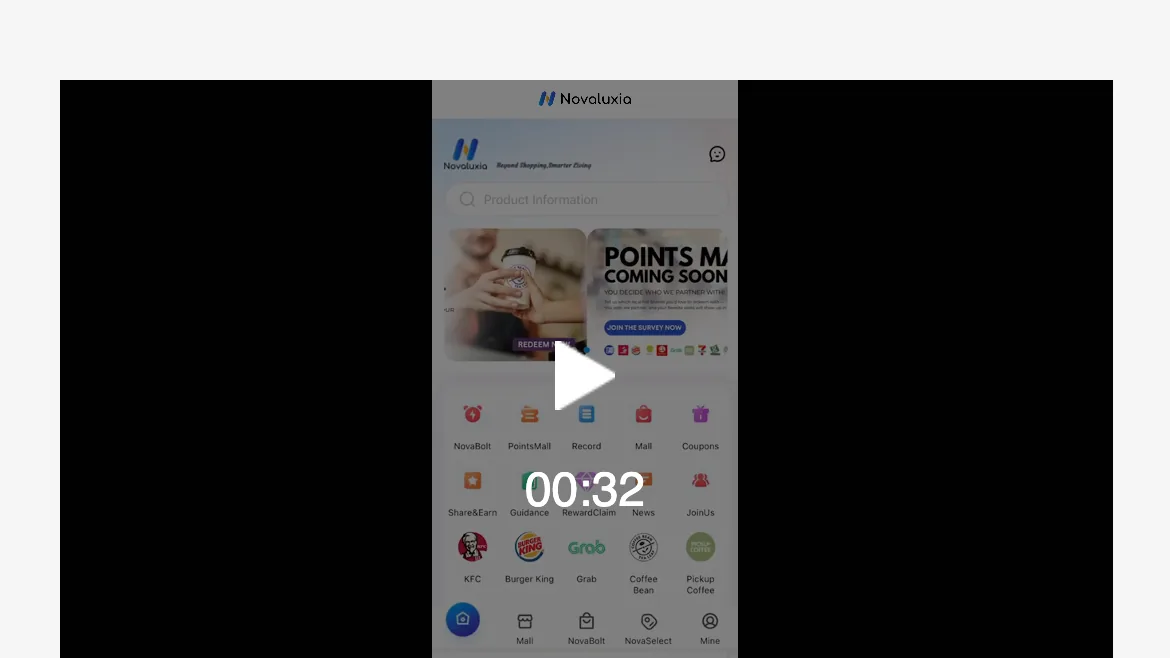
If you want the platform's own instructions, the in-app News screen has a Newbie guide tab listing Home Page, Mine page, Deposits & Withdrawals, Smarter Way to Shop and the Delivery Policy, dated between May 2025 and May 2026.
Step 1: Install from an official store only#
Go to Google Play if you are on Android, or the App Store if you are on iPhone, and search for Novaluxia there.
Both listings are live for Philippine users: the Android build is package uni.UNI7878C48, and the iOS build is App Store id 6746707874. Behind the app is a platform with 105+ merchant partners, 3M+ group-buy sales and a 99% positive feedback rate, incubated by Innoventure Global Partners Ltd and run from a Makati regional headquarters with a local warehouse and local customer support.
Before you tap install, glance at two things on the listing: the developer name and the number of downloads. If the store page looks like a fresh copy with a slightly different name, you are on the wrong listing.
Step 2: Register with details you control#
Use your own mobile number and your own email. People still register with a relative's number, and that is the most common self-inflicted problem we see: when the account has to be recovered, the OTP goes to someone else's phone.
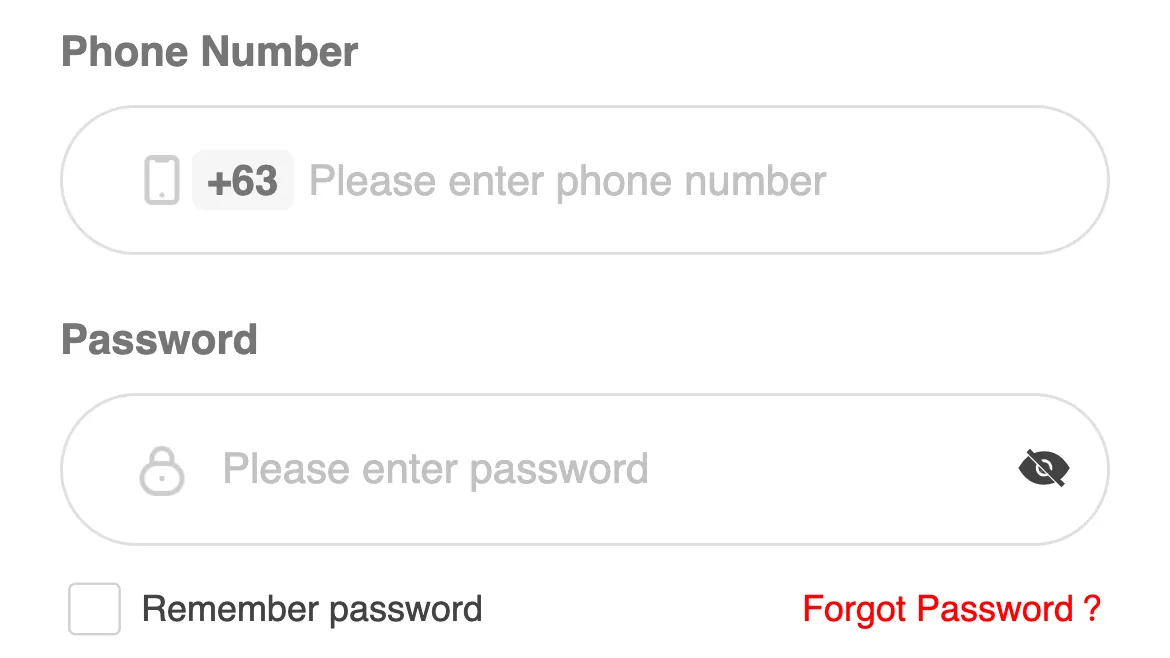
Account creation sits behind the Register Now link at the bottom of the login screen. The screen itself is a +63 phone field, a password field and a checkbox for the User Agreement and Privacy Policy.
Set a password you do not reuse anywhere else. If the app offers biometric unlock, turn it on.
Step 3: Fix your delivery address first#
Do this before you browse, not at checkout:
- Full street address, unit and building number
- Barangay: this is the field that most often gets skipped, and the one that causes misdelivery
- City or municipality and province
- Postcode
- A contact number that is switched on during delivery hours
With the address saved, the prices and delivery estimates on product pages are the ones that will apply to you. Without it, you can plan a purchase around a delivery window that never existed.
Step 4: Learn three screens before you spend anything#
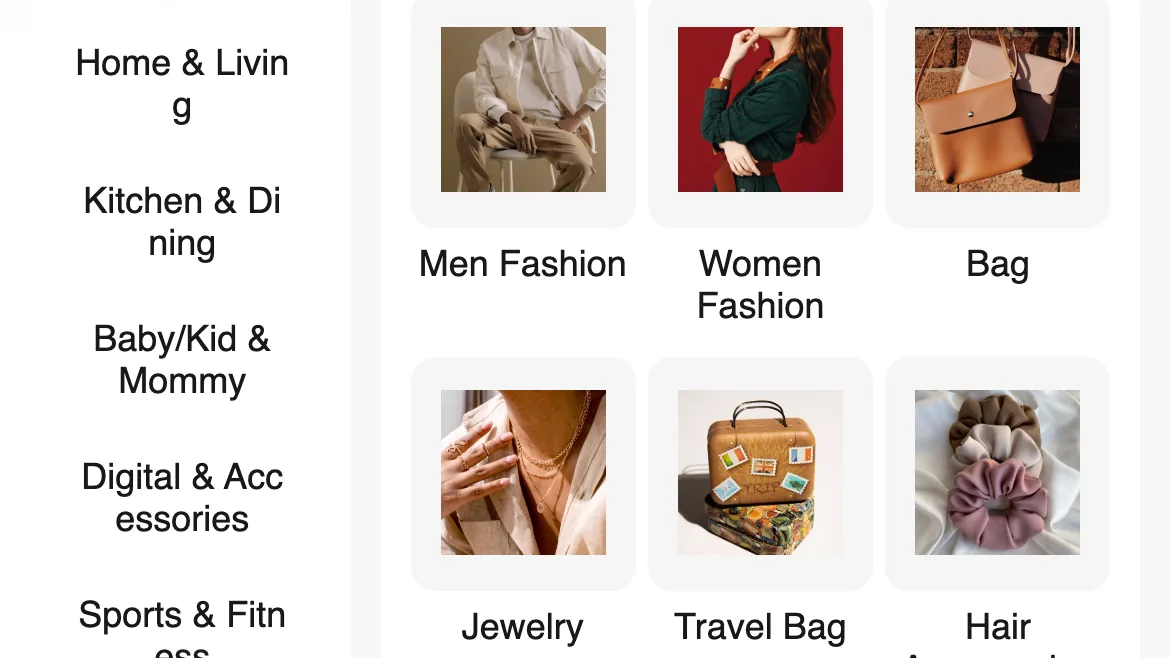
- The mall / category view. Where products live. Browse enough to understand what the platform actually stocks. The brand site sums the range up as beauty tech, skincare, lifestyle and smart living; the category rail we opened in the app lists eight groups: Fashion, Home & Living, Kitchen & Dining, Baby/Kid & Mommy, Digital & Accessories, Sports & Fitness, Stationery and Pet. Under Digital & Accessories, the subcategories run from Phone & Phone Accessories to Audio Devices.
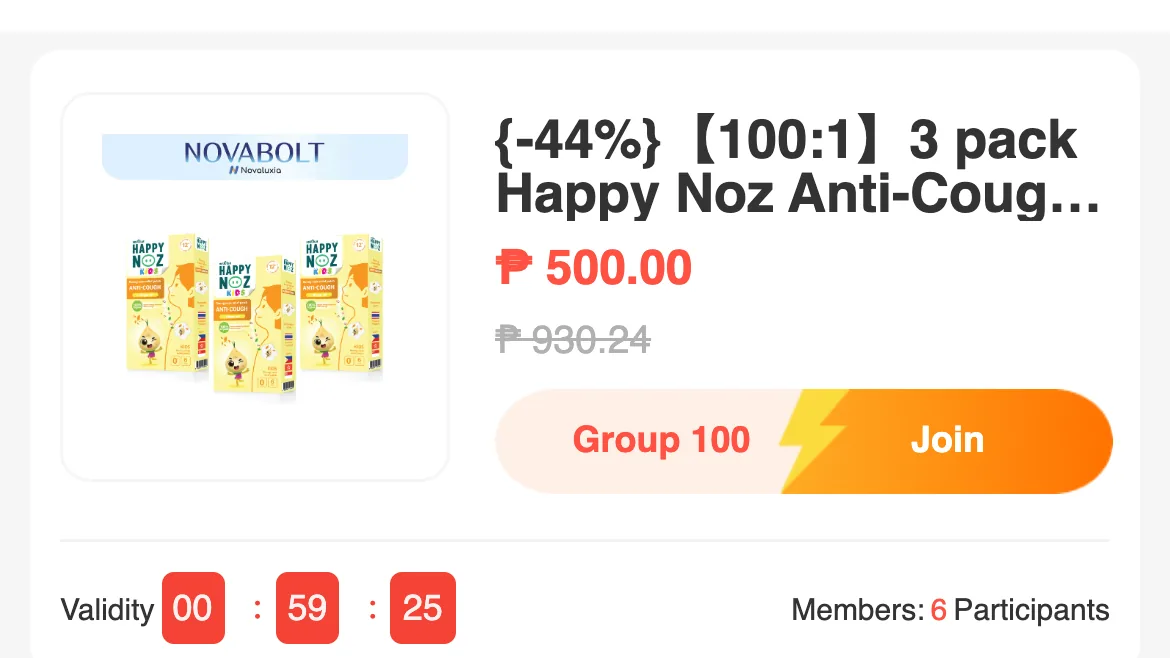
- A group-buy campaign page. Look for three things: the campaign's own Group Buy Rules block, the entry price, and the group's published timeline. Every campaign prints these on the listing, so you always know what you are joining. If the rules block is not visible on the listing, open the campaign in the app and read it there before you join. The block also carries the purchase limit in the platform's own words: "Daily limit. Only can purchase 5 product per day at each price."
- Your orders screen. This is where order status, tracking and support requests live. Find it before you need it, not while a parcel is missing.
Step 5: Know what you will never be asked for#
No legitimate order, refund or delivery needs your OTP. If a seller, a courier or someone claiming to be support asks for one, treat the request itself as the attack.
The screens worth knowing in your first week
What the platform brings to the Philippines#
The localisation is real, and it is the reason the app is worth setting up rather than just installing. Novaluxia runs a Makati office and warehouse, keeps customer service in the country, and has built its merchant network around brands Filipinos already know.
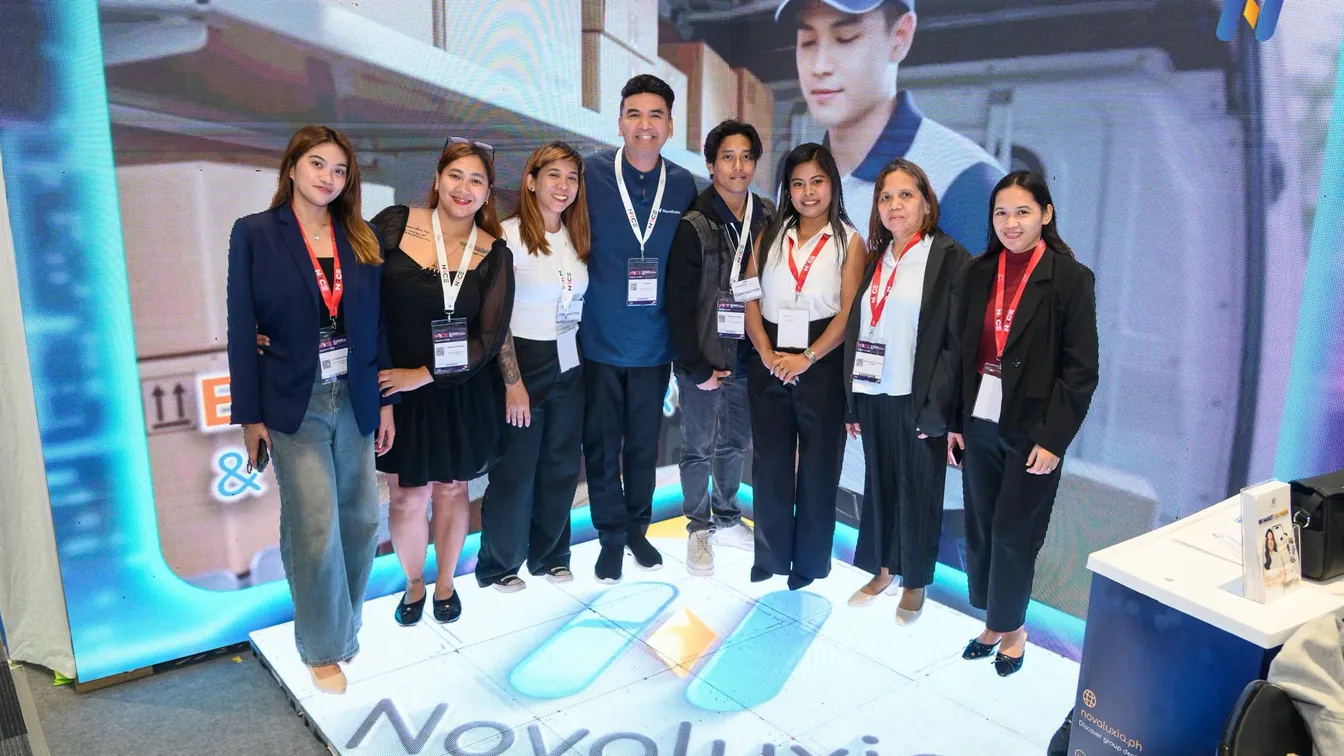
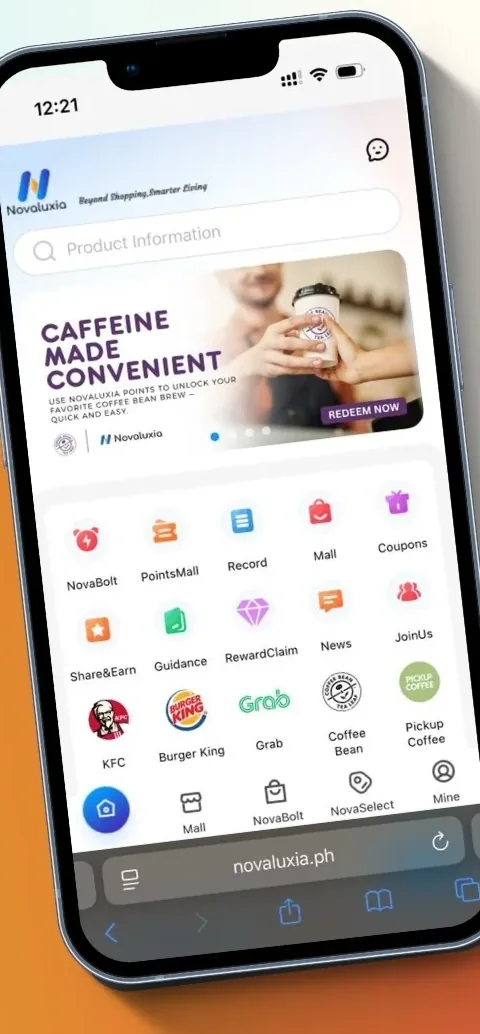
The brand line-up starts with Primeline Philippines, announced as the first local merchant partner on 17 March 2026, and now takes in JML Beauty, IN2IT, Scentchips and Aquadry. The voucher shelf carries local names including KFC, Burger King, Grab, Coffee Bean and Pickup Coffee. The Philippines is the platform's first Asia-Pacific market, and it is where the model has been built out furthest. The public record includes NET25 coverage, an NRCE 2026 retail expo appearance, a store-opening ribbon-cutting, and community and group-buy training sessions.
That is the platform behind the app.
The five-minute pre-order checklist#
| Check | Why it matters |
|---|---|
| Installed from Play or App Store | Rules out tampered builds |
| Registered with your own number | Keeps account recovery in your hands |
| Barangay filled in | Prevents the most common misdelivery |
| Screenshot of the product page | Your evidence if the listing changes |
| The campaign's Group Buy Rules, read | You know exactly which campaign format you are joining before you pay |
Next#
- Joining your first campaign? Read the group-buy walkthrough.
- Want the safety checklist first? Go to the legit check hub.
- Still deciding whether to try the platform at all? Start with What is Novaluxia?
- More practical guides: Tips & Guides.
Quick answers
- Where do I download the Novaluxia app?
- From the official Google Play listing for Android or the Apple App Store listing for iPhone. Never from an APK file or a link forwarded in a group chat.
- Do I need a Philippine number to register?
- You register with your own mobile number and email. Using someone else's number is the single most common reason people later get locked out of their own account.
- Should I set the delivery address before or after browsing?
- Before. Setting it first means the prices and delivery estimates you see on product pages are the ones that will actually apply to you.