One Month in the Novaluxia App: What Using It Actually Looks Like
One month of using the Novaluxia app, screen by screen: the four main features, the order flow and its three dates, the eight order statuses, the points mall, and the habits that keep an order easy to check later.

We have been using the Novaluxia app from a Metro Manila household for the past month. A handful of screens do almost all the work. Here is what we see in each of them, in the order a first-time user meets them, and the habits that make an order easy to check later.
What we saw, screen by screen#
Browsing. The category structure is coherent. Beauty tech, skincare, lifestyle and smart living are the four groups the platform organises around, and within them the listing pages do not require hunting. The design leans curated rather than search-first, so the useful move is to start from a category rather than a keyword.
Checkout. Set the delivery address before you browse: prices and delivery estimates on product pages then match what appears at checkout, so the last screen holds no surprises. The points side prices itself just as plainly: the Points Mall lists Pickup Coffee vouchers at 50, 100 and 300 points and a KFC voucher at 200 points, close to a peso a point.
Having a real web store alongside the app. Not everything has to happen on a phone. The shop, the campaigns and the points mall all exist on the web as well as in the app, which is convenient when you want a bigger screen for comparing.
What the order flow looks like#
A group-buy order does not move straight to shipping. In the app, it passes through several stages before anything ships, and the product page and order centre both spell them out. The platform's own material names the four steps: join, countdown, result, and what you receive (an item or points). There is no equivalent muscle memory from other shopping apps, so reading the screen before you tap is worth the minute it takes.
Three clocks run at once. A group-buy purchase shows a closing date for entries, a result date, and a delivery estimate: three separate dates attached to the same order. Reading one and assuming the other two is the habit that makes an order easy to follow, which is why the order tracking guide exists. The order detail screen lists all three; noting them is a ten-second habit.
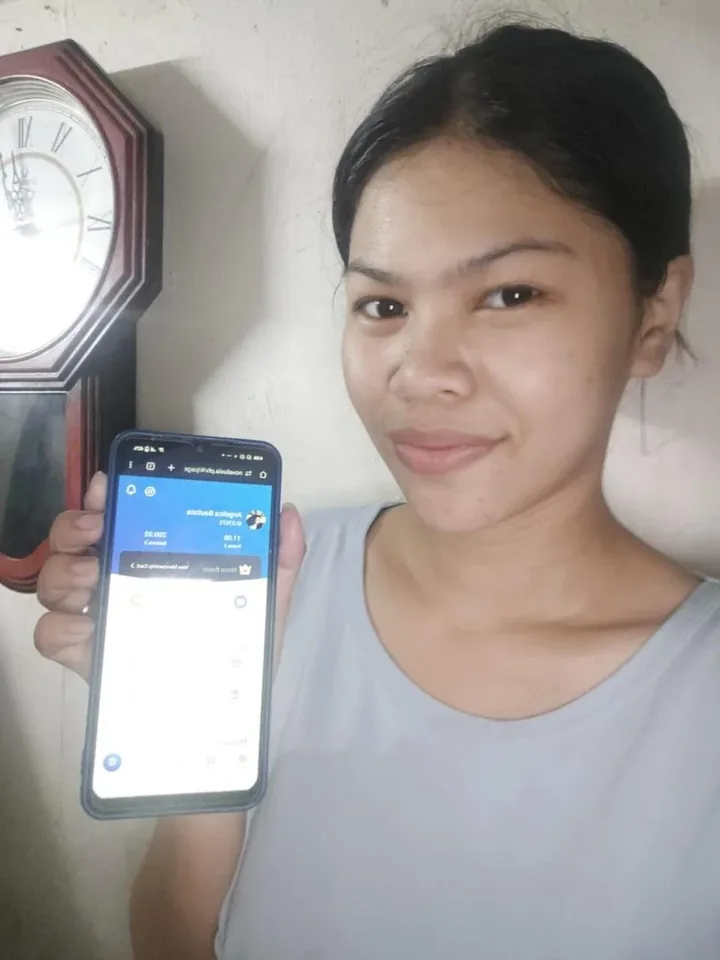
"Processing" is a long, quiet stage. The order centre names eight stages on one screen: Pending Payment, Awaiting Shipment, Awaiting Receipt, Pending Review, Pending Processing, Pending Repurchase, After-sales & Refunds, Completed. We read that list in the Novaluxia app in September 2026. Several of those stages simply have no new update to show until the next one begins, so a status that sits still is normal. The record you want is the order number, not a fresh notification.
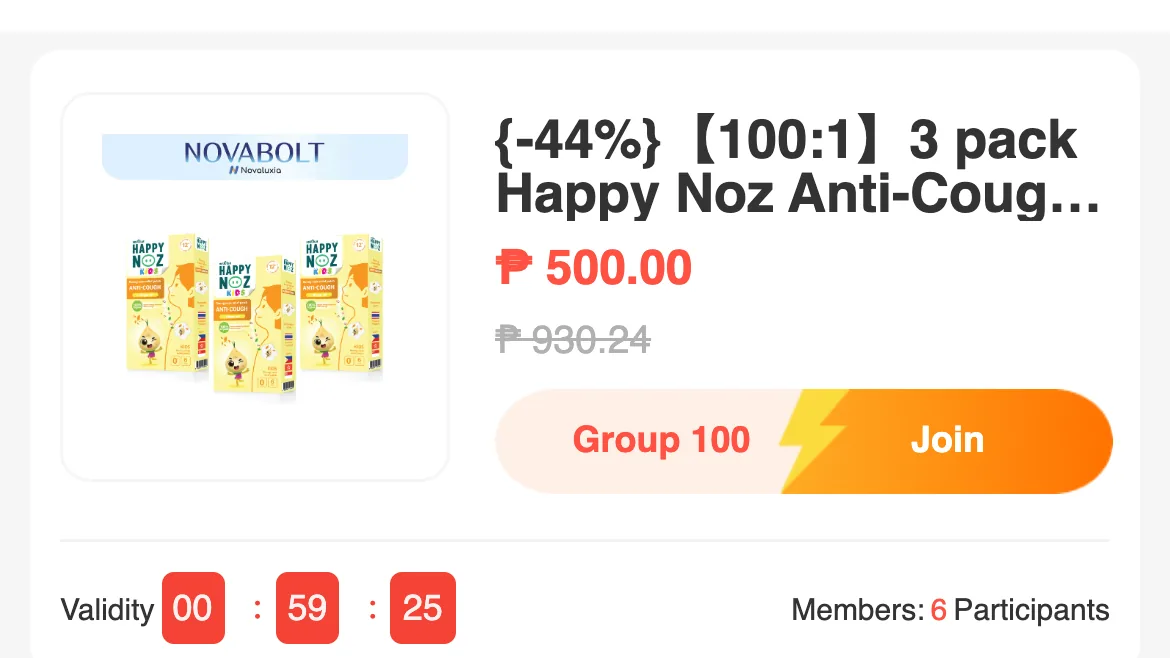
Reading the campaign rules is the step people skip. Every campaign publishes its own rules on the product page (how it runs, what participants receive and the delivery terms), and the product title tells you which type you are looking at. Reading that block before you join is the single habit that makes the rest of the app predictable, and it is the same habit that makes a comparison against local retail possible.
Four habits worth keeping#
- Screenshot the product page and the checkout total at purchase. Two images, ten seconds, and they settle any later question about what the price was.
- Read the campaign rules on the product page before joining anything. The rules line caps purchases at 5 products per day at each price, and it states the delivery terms you are agreeing to.
- Note all three dates (closing date, result date, delivery estimate) in the phone's notes app, not in memory.
- Keep the payment inside the app. It stays traceable in your order list, and a recorded order is one you can look up later.
What we see behind the app#
A month of screen time also made us curious about the company behind it. Novaluxia counts 105+ merchant partners, 3M+ group-buy sales and 99% positive feedback, and it positions itself as Social E-commerce 3.0: a model built to connect consumers, communities, merchants and brands, with a mission the platform puts as participation equals value. It is incubated by Innoventure Global Partners Ltd, a Cyprus investment firm whose AI and social-e-commerce fund runs an investment-plus-incubation model across European and Asian markets. The Philippines is the first market of the Asia-Pacific rollout, the regional headquarters is in Makati, and the local operation around it keeps growing.
The membership side is just as clearly laid out. Six levels run from Nova Start and Basic through Plus, Prime and Pro to Elite, and the invite-a-friend feature has its official rules published in the app under the Nova Membership Level System. It is a system built around participation.
What you can check yourself#
The parts of the platform that do not depend on any one purchase are public and dated:
- The official sites. novaluxia.com carries the brand, company background and news; novaluxia.ph carries the shop, the campaigns and the points mall.
- The app on both stores. The same app is listed on Google Play (package
uni.UNI7878C48) and the Apple App Store (id6746707874), which is the simplest way to confirm you have the real one. - A published office address. The platform lists a Philippine operating address at 2/F & 3/F, 30 Paseo de Roxas, corner Jupiter, Salcedo Village, Makati.
- Dated announcements. The brand news page carries campaign and partnership announcements with dates, including Primeline Philippines as its first local merchant partner on 17 March 2026. Its Phase II plans for local talent and regional services describe the company's next steps in the Philippines.
We follow platform news and policy updates and post them here as they land. For the collected checks and claim-by-claim notes, see our reviews hub.
How to get started#
Set the delivery address first, then browse with the campaign rules in view. Keep the payment inside the app so every order stays traceable. Screenshot the product page and the checkout total at the moment you order, and note the three dates from the order detail screen.
What using the app actually looks like
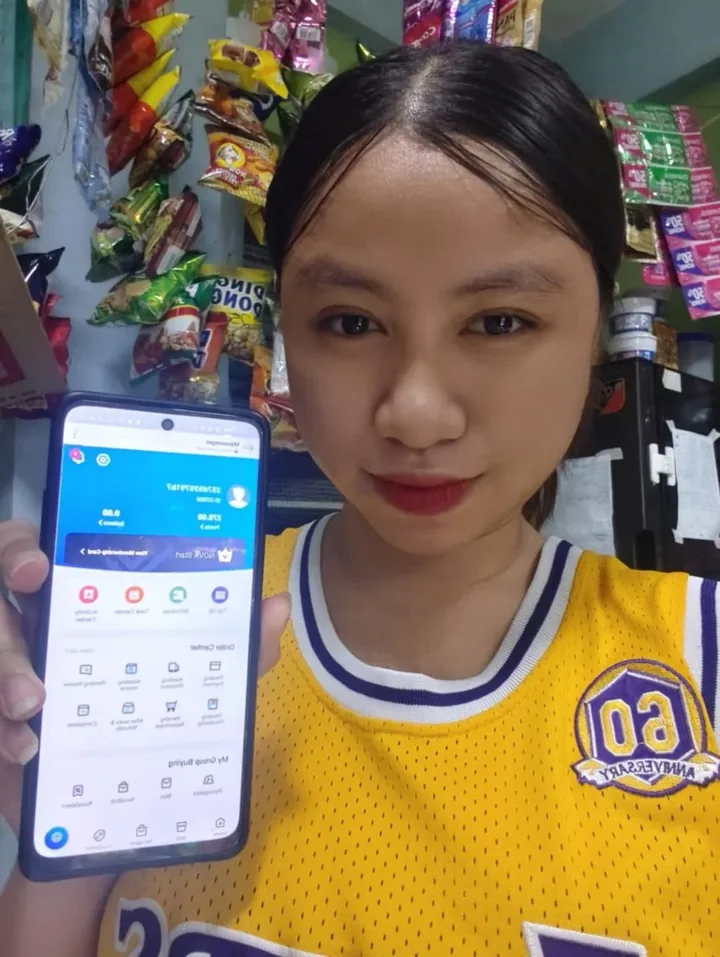

For a platform that is still early in its Philippine rollout, the parts that matter are all visible in the app: the campaign rules on the product page, the eight order statuses in the order centre, and the points price on every voucher in the mall. Read those three screens and the rest of the flow follows from them. A month in, that is what we would tell a friend: the app is worth the ten minutes of setup, and the habits above are the whole trick.
Next#
- Run the checks before your first order: 10-minute legit check
- Set the app up properly: download and setup guide
- More field notes: First-Hand Notes
- New to the platform? Start with what Novaluxia is.
Quick answers
- What does the app actually involve, screen by screen?
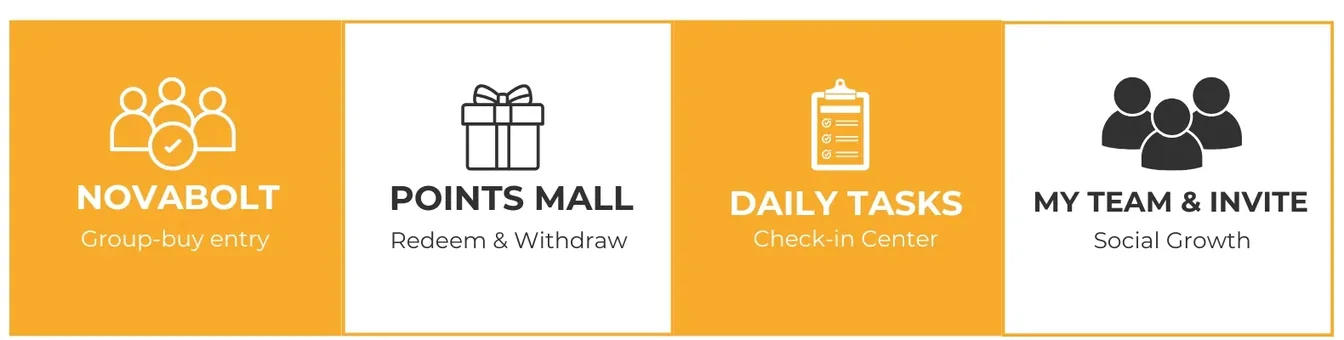
- The app is built around four features: NovaBolt for joining campaigns, the Points Mall for redeeming and withdrawing, Daily Tasks as a check-in centre, and My Team with the invite feature. Most of the day-to-day happens in the first two: browsing and ordering, then watching the order centre update.
- What should I check before placing an order?
- Read the campaign rules on the product page, add delivery and compare the landed cost with buying the same item locally, and keep the payment inside the app so the order stays traceable in your order list. Note the three dates the order shows, closing date, result date and delivery estimate.
- What did you think of the app after a month?
- We like it. The campaign rules are printed on every product page, the order centre names all eight statuses, and the points mall prices every voucher in points before you redeem. The parts that need a habit (reading the rules, noting the three dates) are the same parts that make it predictable.